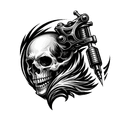
AI Tattoo Generator — Design Your Ink
Turn any idea into a custom tattoo design with AInker's AI tattoo generator. Upload a reference photo or describe your vision, and get studio-ready artwork quickly.
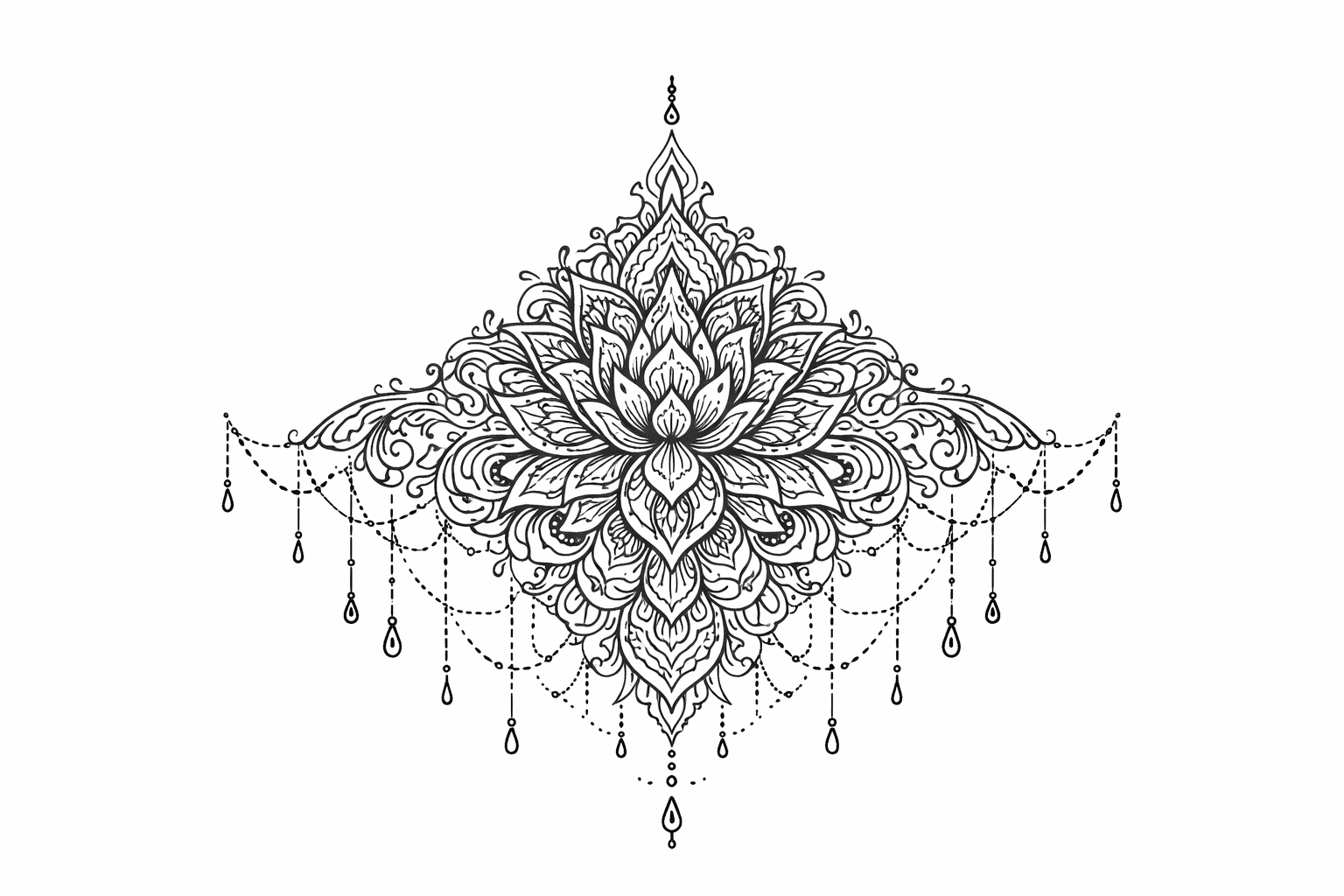
Generate Custom Tattoo Designs from Words — AInker
Type a short prompt and let AInker's AI tattoo generator turn your words into polished tattoo concepts. Preview multiple compositions and style directions quickly.
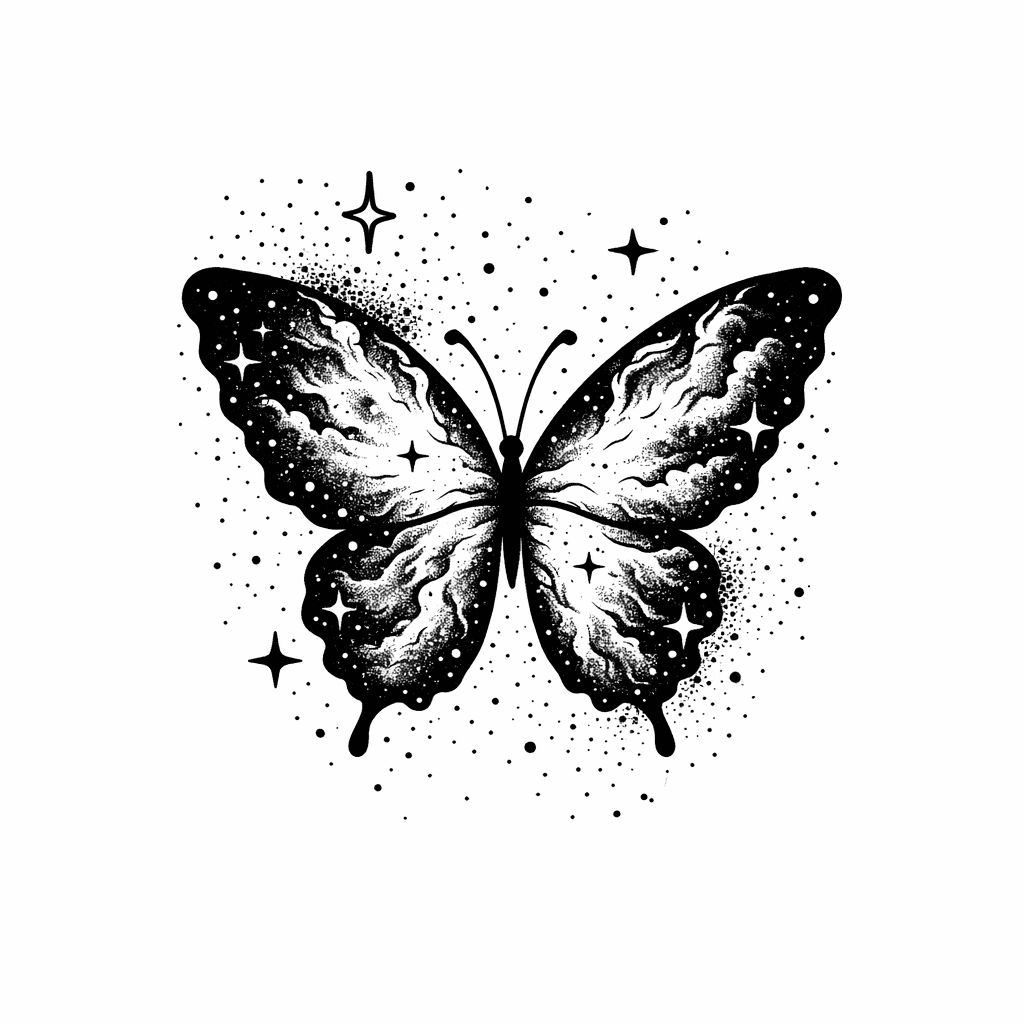
From words to ink-ready artwork
Use AInker's AI tattoo generator to quickly explore style and layout variations before committing to a final tattoo design.
Transform Photos into Tattoo-Ready Designs — AInker
Upload any photo or sketch and let AInker's AI tattoo generator convert it into refined, stencil-ready tattoo concepts with suggested layouts and style variations.
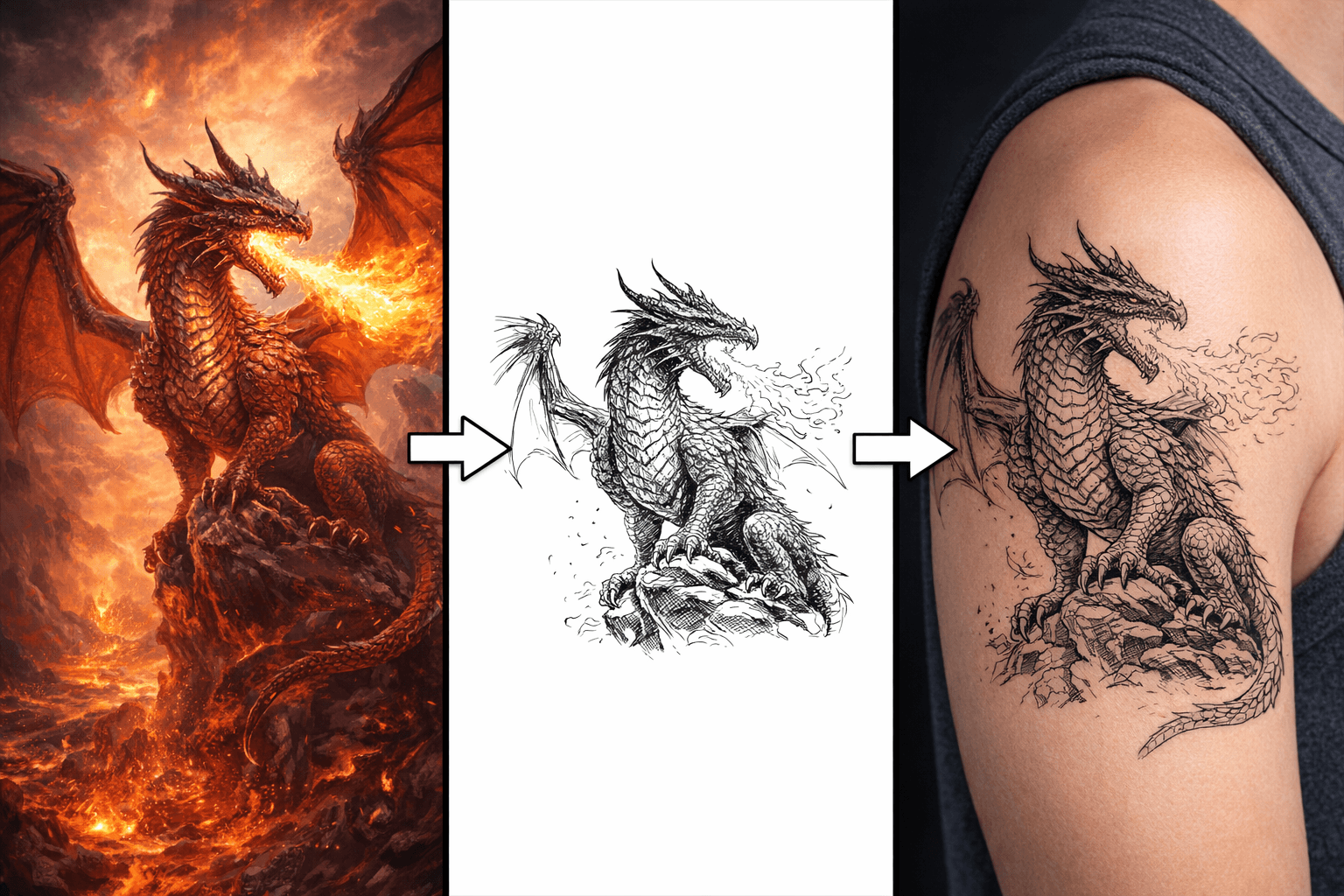
From any image to tattoo-ready artwork
Quickly compare different treatments and layouts with AInker's AI tattoo generator to find the best direction for your next tattoo.
AInker AI Tattoo Generator — Features That Set Us Apart
Discover why thousands trust AInker's AI tattoo generator to create custom tattoo designs — instant concepts, versatile styles, and studio-ready downloads at ainker.org.
Instant Custom Tattoo Designs
AInker's AI tattoo generator transforms short text prompts into unique tattoo concepts quickly. Choose a preset style, get clean linework and balanced composition — then refine the output with your artist.
Versatile Tattoo Style Library
Explore fine-line, blackwork, neo-traditional, watercolor, geometric, tribal and more. AInker's AI renders each tattoo style authentically so you can preview exactly how your design will look on skin.
Studio-Ready Tattoo File Exports
Download high-resolution PNG, PDF and SVG files with scale guides and crisp outlines — stencil-ready artwork that tattoo artists can print or use directly from AInker.
From Concept to Ink — The AInker Workflow
Turn any tattoo idea into a print-ready design through AInker's streamlined creative process — input your vision, iterate on AI-generated concepts, and walk away with artist-grade files.
Spark Your Vision
Type a prompt or drop in a reference photo, then pick a style from AInker's preset options — from fine-line minimalism to bold traditional. The AI generates your tattoo design based on the style direction you choose.
Shape the Perfect Piece
Review the AI-generated design and fine-tune every detail — from line weight and shading intensity to overall scale. Adjust and regenerate until the piece feels unmistakably yours.
Walk In with a Blueprint
Grab production-ready files complete with sizing references — PNG, PDF, or SVG. Hand them to your tattoo artist, print them for your appointment, or keep them as your stencil template on ainker.org.
AInker FAQ — AI Tattoo Generator Questions & Answers
Find answers about AInker's AI tattoo generator: how to create custom tattoo designs from text or images, file formats, pricing plans, commercial rights, and tips for the best results.
AInker AI Tattoo Generator — Plans & Pricing
Choose the right AInker plan — the AI tattoo generator that turns text prompts or reference images into studio-ready tattoo designs and high-resolution files.